
Whether your 2026 season has finished or you are still working games in warmer regions, the offseason is a good time to set up a consistent tracking system for your next year behind the plate and on the bases.
Your umpire preseason checklist
- Review last season: reconcile completed games, earnings received, and amounts still outstanding.
- Check your records: pull together mileage and officiating expenses from the previous season.
- Choose a game-log routine: decide where you will record dates, sites, game levels, teams, and plate/base assignments.
- Make payment tracking a habit: review paid, partial, and unpaid games at regular intervals.
- Set a performance goal: use post-game notes and reviews to identify your priorities for the new season.
Bring your 2027 records together with UmpTrack
UmpTrack combines game and assignment records with earnings, mileage, expenses, payment status, and performance reviews for individual baseball and softball umpires.
The first five recorded games are free to start. Pro plans are available for a full season of tracking.
Questions umpires ask
Why track game fees if my assigner already has my schedule?
A schedule tells you which games you worked; a personal earnings record helps you review expected fees, payment status, and season totals in one place.
Can a single app track earnings and performance?
UmpTrack includes game history, earnings, mileage, expenses, and post-game plate/base performance reviews.
See it in UmpTrack
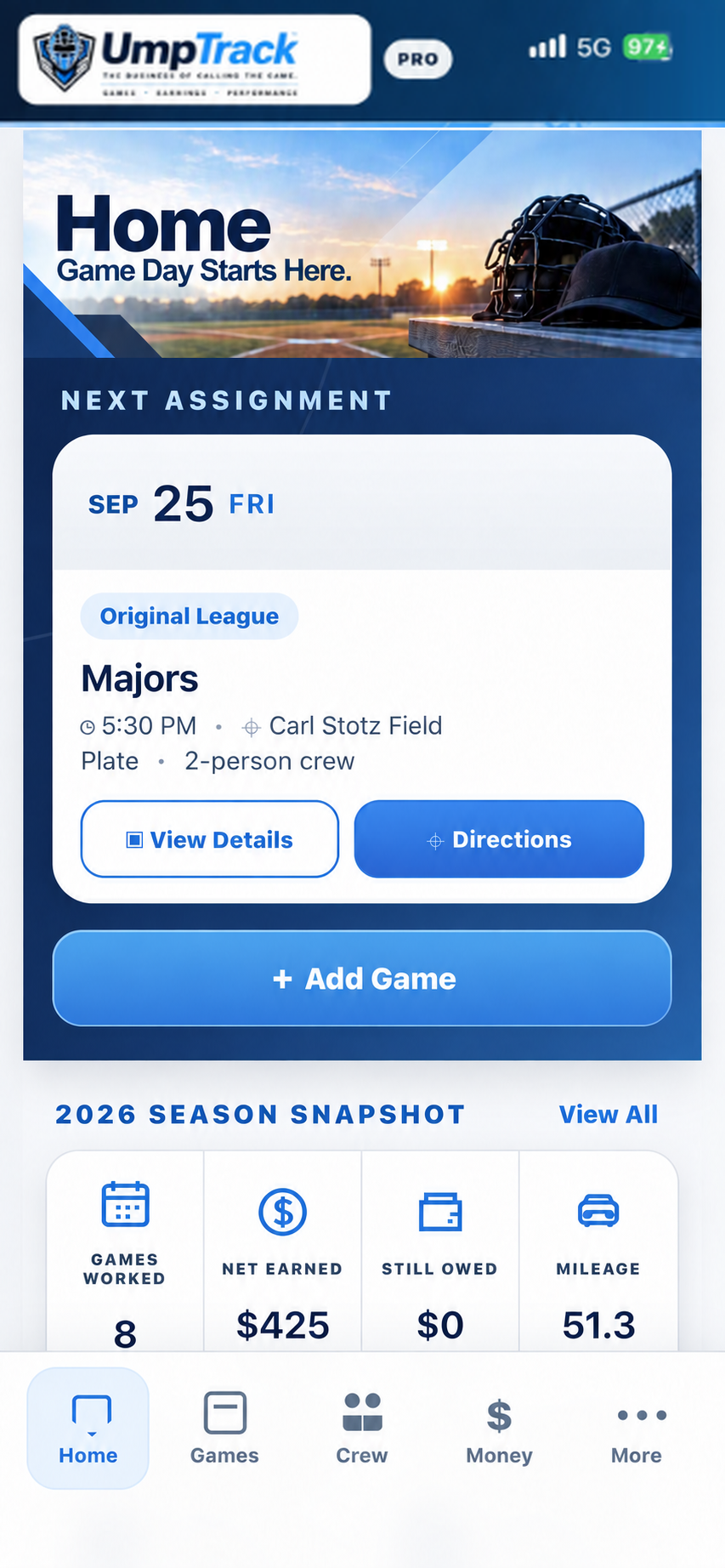
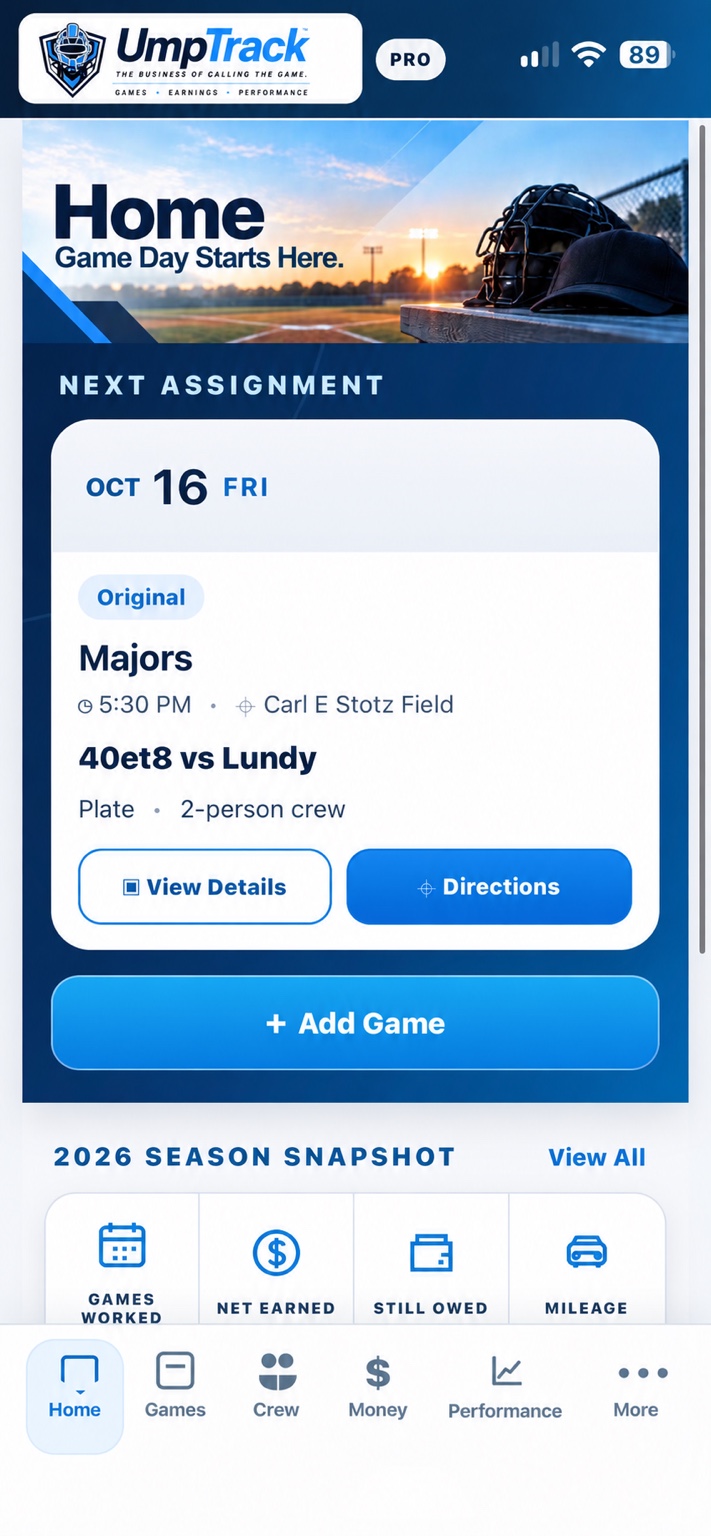
Actual UmpTrack Home screen with the next assignment and season snapshot.
Explore related umpire resources
Track the business of calling the game
Start recording your games, earnings, mileage, expenses and performance with UmpTrack. Available for baseball and softball umpires on iPhone, Android, and via the UmpTrack website.