
Whether you work school games, tournaments, youth baseball, or softball, it is easy to lose track of fees across different locations and payment schedules. Consistent game-by-game records help you understand your season earnings and follow up on unpaid games.
A simple umpire earnings checklist
- Record the game: date, teams, field or location, level, and plate or base assignment.
- Enter the expected game fee: use the amount you were told the game would pay.
- Keep payment status current: mark paid, unpaid, or partial as money arrives.
- Review the totals: check what you have earned and what is still owed before the season closes.
- Cross-check your records: compare your game entries with actual payment statements or deposits.
How UmpTrack helps
UmpTrack associates game details with earnings and payment tracking. Instead of trying to match a deposit to a paper schedule later, you have a game history and a dashboard built around umpiring activity.
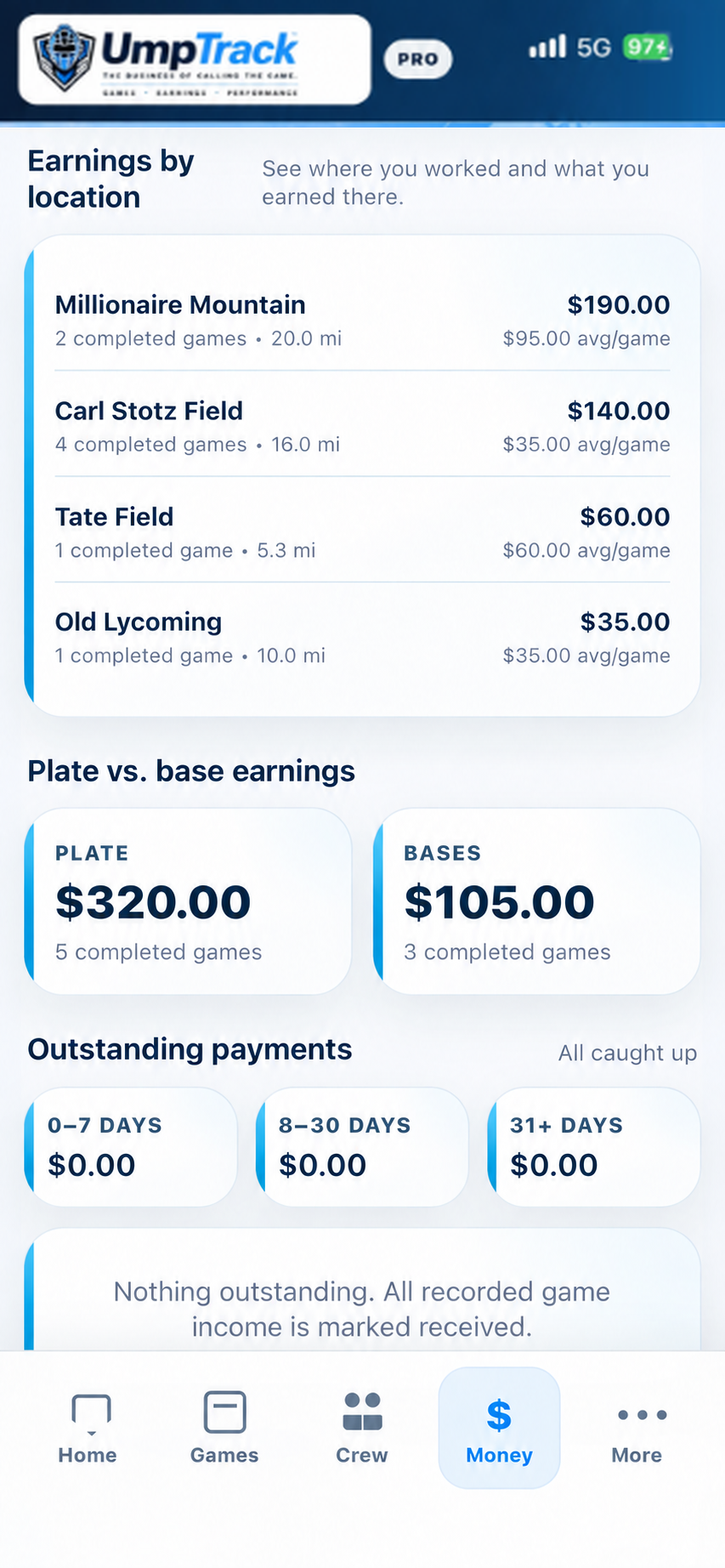
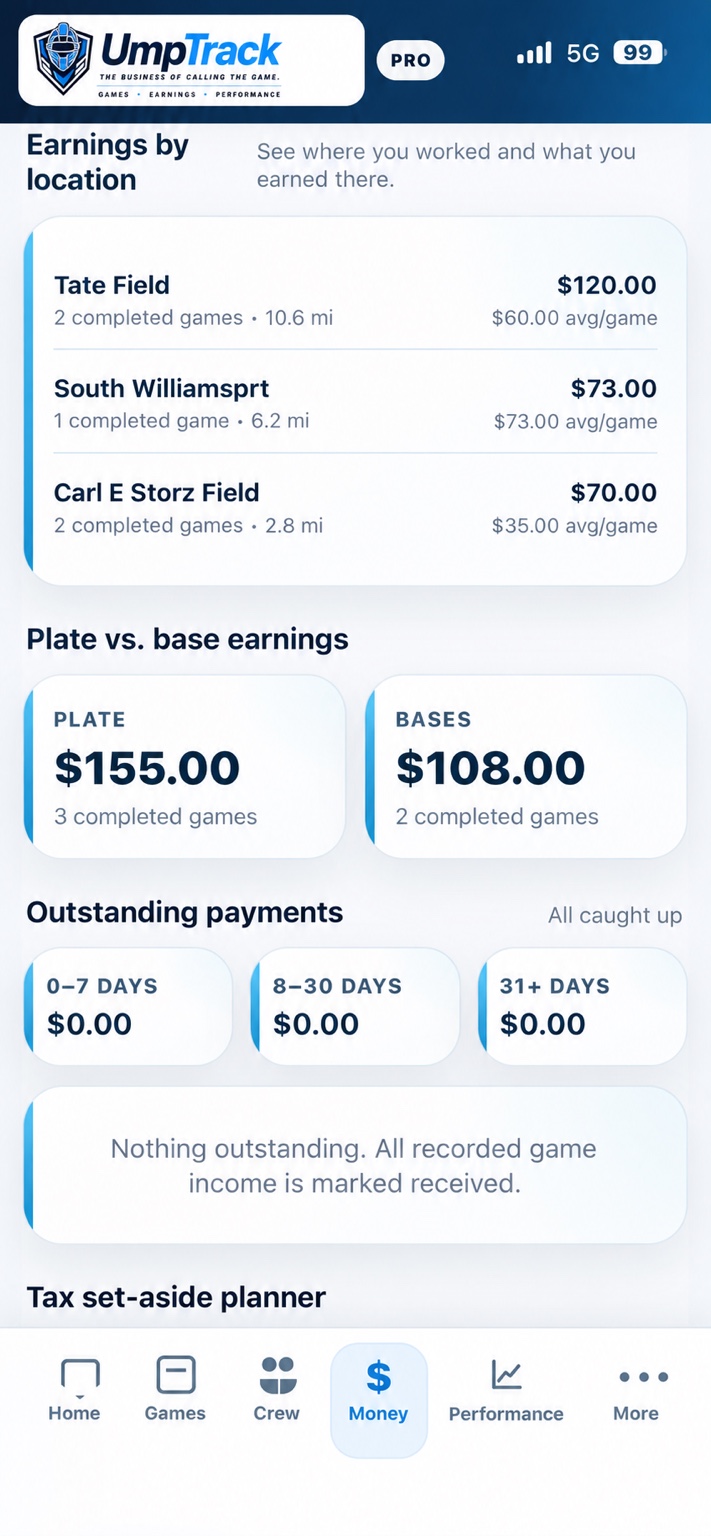
Paid, partially paid, and unpaid statuses help you spot games that need attention. You can also review season totals and earnings by location.
What if my umpiring season is already over?
Start with your game schedule, assignment emails, and payment records. Reconstruct a game list, then enter any missing fees and update each game's payment status. For next season, enter the details shortly after each game so year-end totals are easier to review.
Frequently asked questions
What should an umpire record after every game?
The game date, location, teams, assignment, game fee, payment status, and any relevant mileage or expenses.
Can I track partially paid games?
Yes. UmpTrack supports a partially paid payment status as well as paid and unpaid statuses.
Is UmpTrack an assigning platform?
No. It is designed to complement assigning workflows by organizing an individual umpire's records.
See it in UmpTrack
Actual UmpTrack Money screen with game totals, plate versus base earnings, and payment statuses.
Explore related umpire resources
Track the business of calling the game
Start recording your games, earnings, mileage, expenses and performance with UmpTrack. Available for baseball and softball umpires on iPhone, Android, and via the UmpTrack website.